Alicia Brooks Design

Work
About
IBM Automation + AI
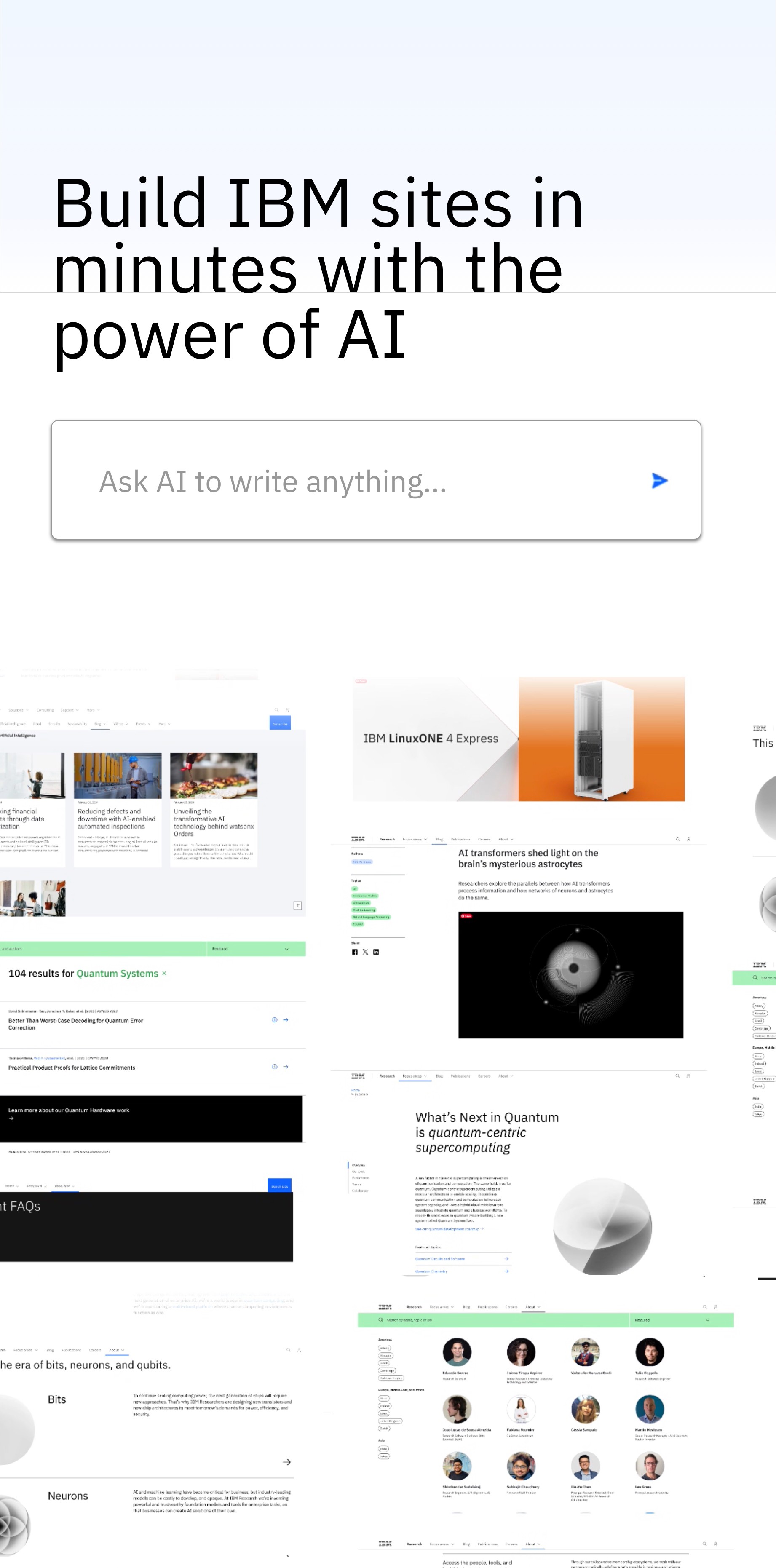


Case Study
Introduction
IBM serves over 500,000 employees across dozens of global teams. Each group needed flexible, scalable websites for internal communication — from HR portals to executive blogs to product announcements.
But building each site required multiple teams (developers, designers, compliance reviewers), resulting in slow launches, inconsistent branding, and significant resource strain.
Our goal: design an enterprise-level site builder that empowers teams to launch compliant, on-brand websites quickly — with minimal design or development support.

Role
Lead designer, 4 person design team
Team
4 Designers, 7 Developers, 1 Product Owner, 1 Dev Lead
Timeline
2 months (4 sprints)
Tools
Figma, Mural, Jira, Storybook, IBM Carbon Design System
Skills used
Design Systems (Carbon Design System)
Digital Transformation & Scalable Systems
Agile Methodologies
UX & UI Design
Information Architecture, Visual Design, Typography
Inclusive & Accessible Design
Agile Workflows, QA
Context
As part of the design team for IBM’s AI & Automation and Data department, I explored how internal teams could more easily publish content using AI with decreased reliance on engineering. This project aimed to reduce friction, improve internal collaboration, and deliver high-quality sites that adhere to IBM’s design standards.
Scope
- Global Tool
- 70k sites created
- 14m sessions/mo
The workflow
User Story
As an internal IBM team member responsible for launching a website,
I want to quickly generate a compliant, well-structured site using AI-driven recommendations, So that I can focus on the content that matters without reinventing the wheel or risking non-compliance.
Research tools & key learnings
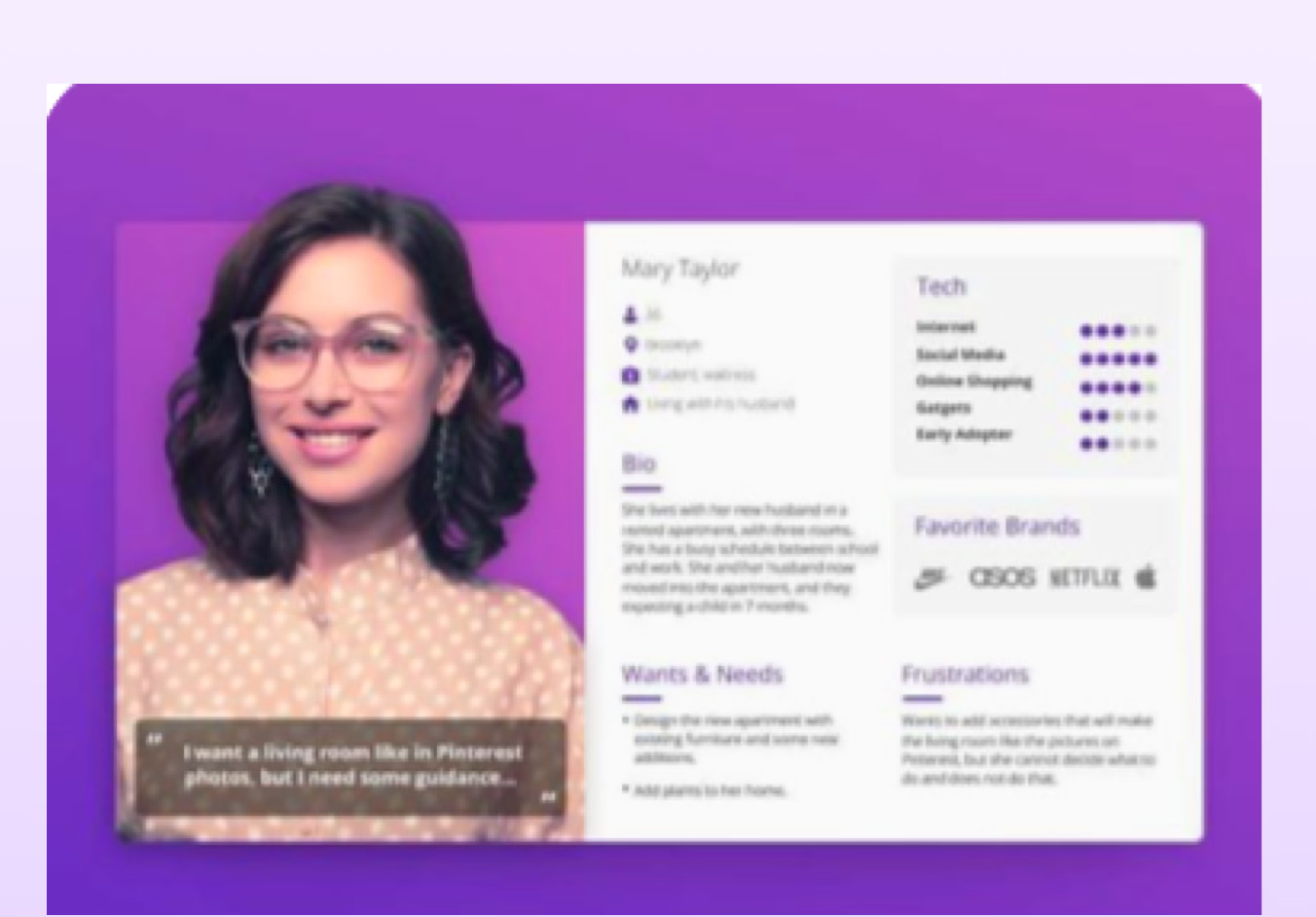
Personas
Users aren’t designers or devs — they need tools that “do the thinking” for them
Most users care more about speed and simplicity than customization
Many are unaware of compliance requirements or IBM’s design language
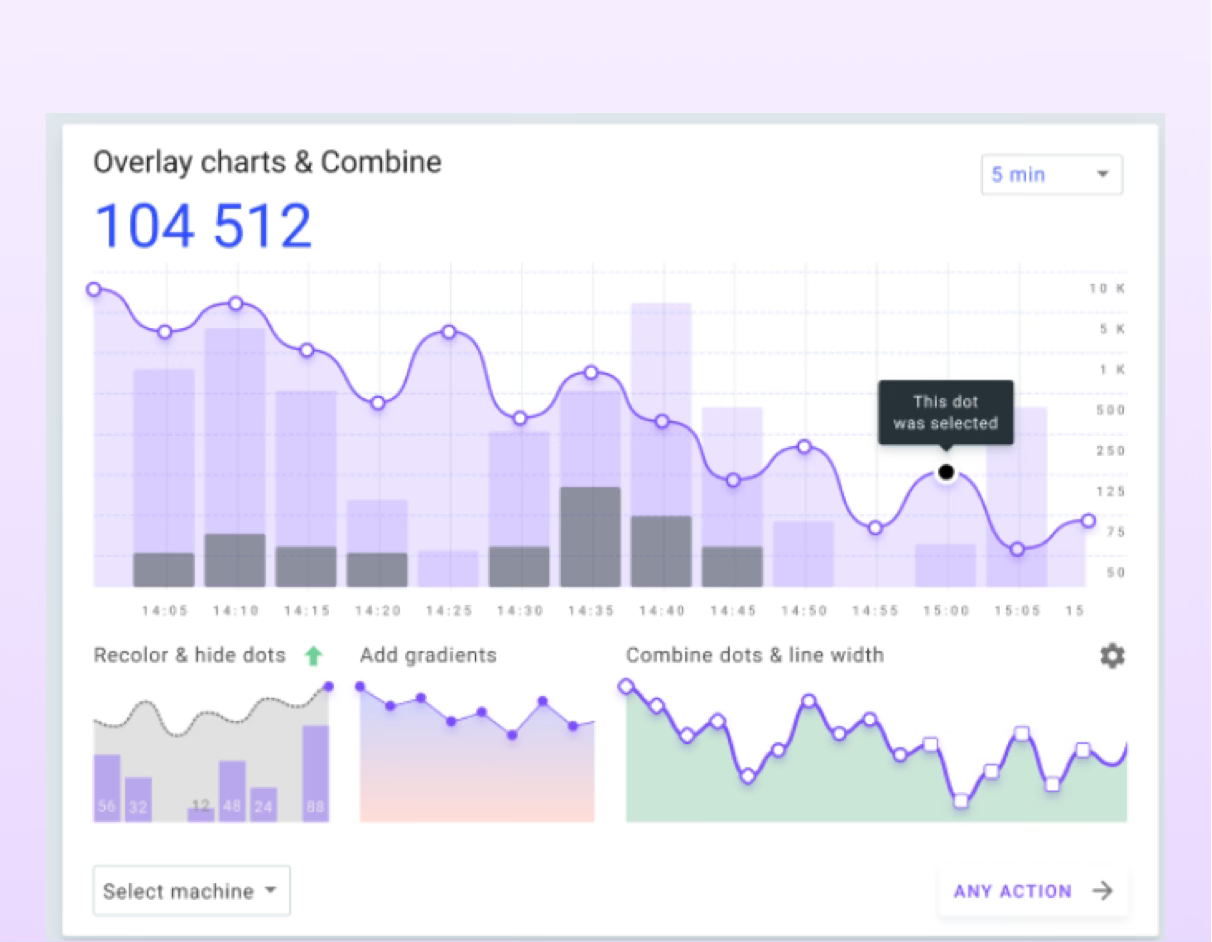
Metrics analysis
Low reuse of shared templates or components
Support tickets frequently mention confusion about structure
Time-to-publish is longer than acceptable for internal needs
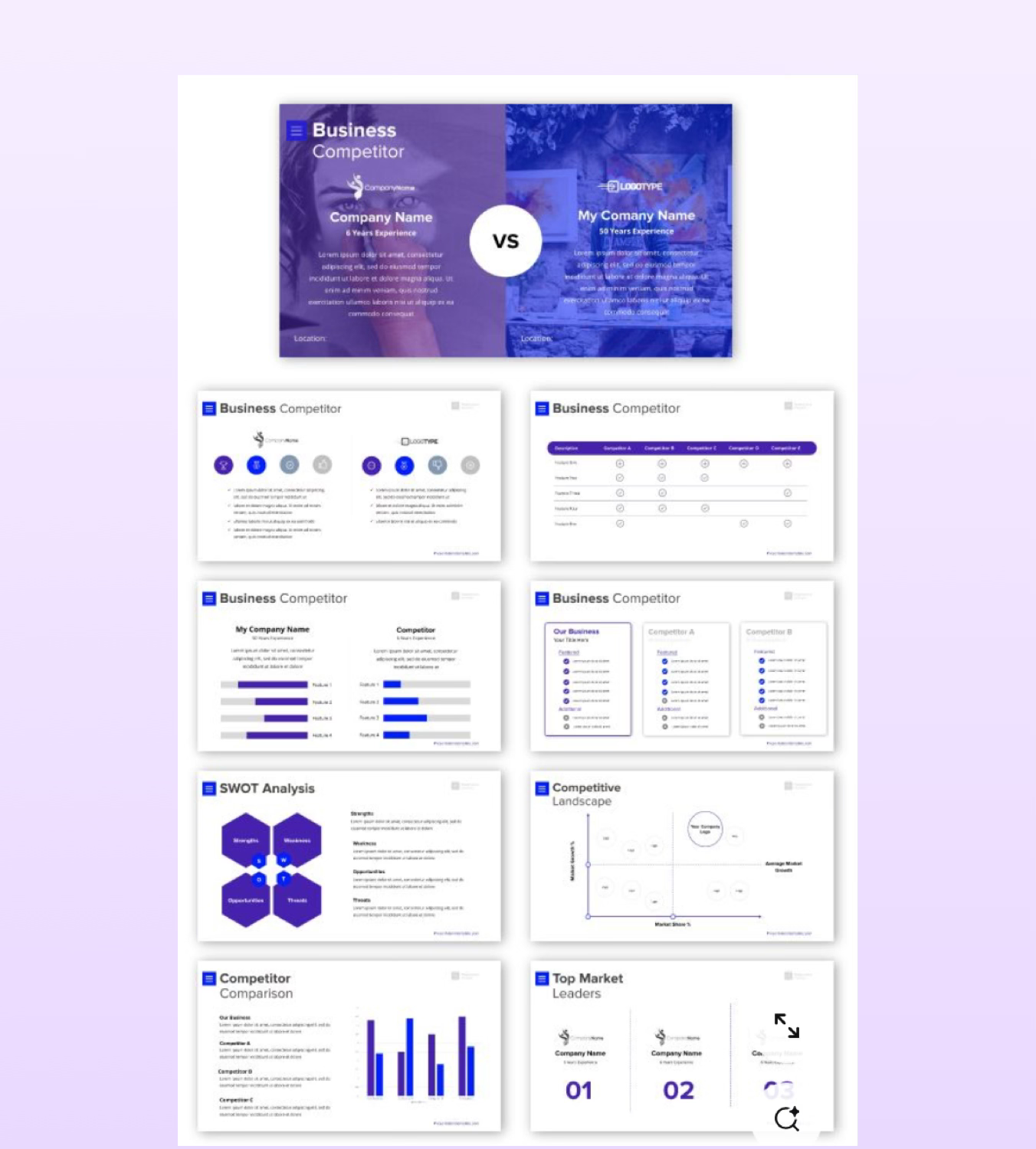
Competitive research
Heuristic audits of existing tools Other enterprise tools (like Notion, Webflow, Wix AI) offer auto-generated structures and copy suggestions
Competitors use AI to guide layout, content, and compliance — reducing friction
Best-in-class tools emphasize reusable components and onboarding simplicity
Clear trend: shift toward intelligent defaults and smart suggestions
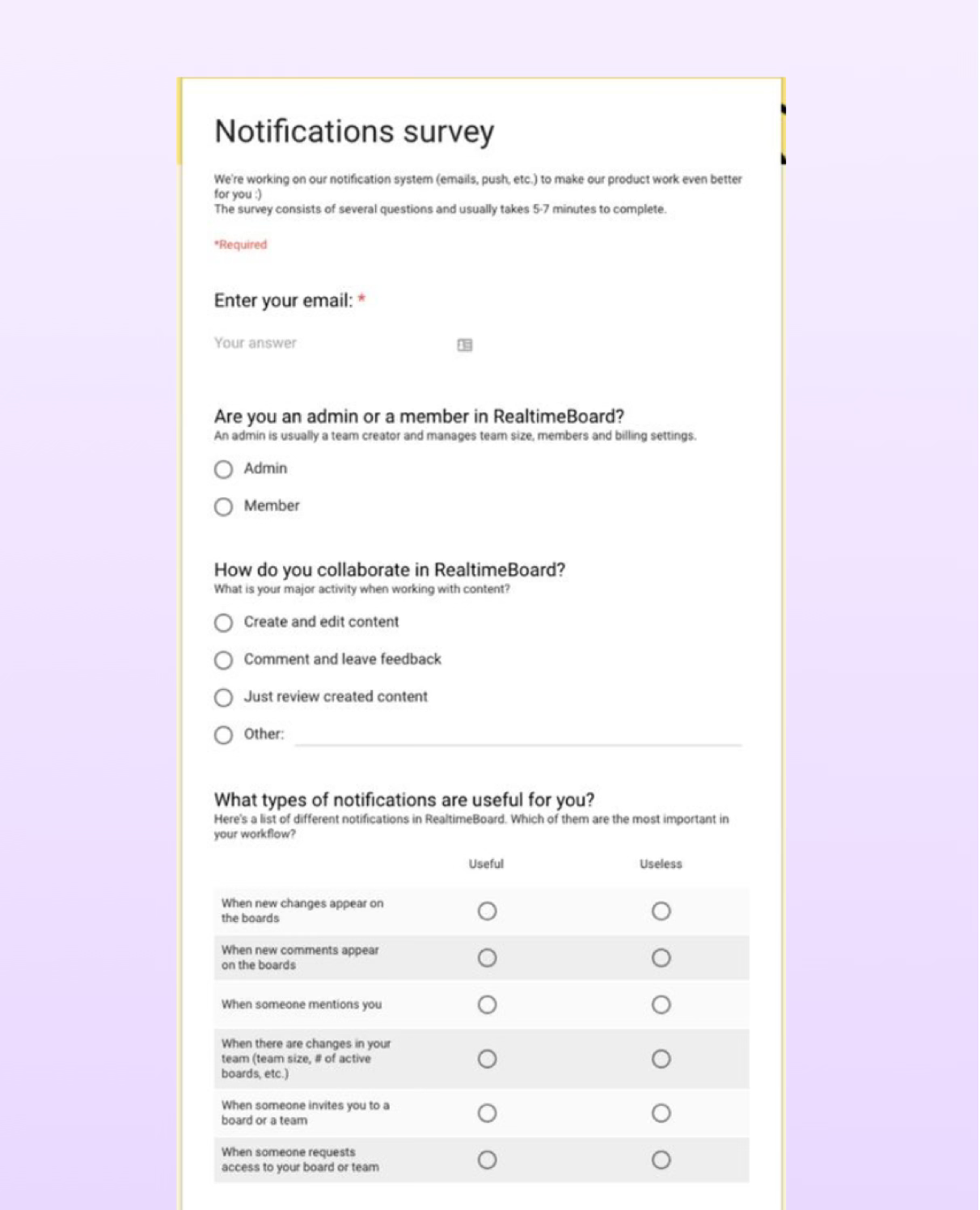
Polls & surveys
Majority of users want “pre-filled,” guided starting points (not blank slates)
Strong desire for auto-populated team lists, content & site maps
Users are open to AI help if it feels trustworthy and editable
Many didn’t know what “compliant” meant until shown examples
The problem
Business Problem
- Internal sites are built manually and inconsistently
- Brand, accessibility, and content compliance often missed
- Wasted time and duplicated effort across teams
- Lack of scalable, efficient internal infrastructure
User Problem
- Too much guesswork in building navigation and IA
- Manual, repetitive tasks (e.g., adding team members)
- Tools lack guidance on compliance and best practices
- Frustration and time lost on non-core tasks
Market Problem / Trend
- Leaner teams, but higher output expectations
- Market shift toward AI-assisted, self-serve tools
- Demand for faster, compliant, scalable solutions
- Competitors improving productivity with automation
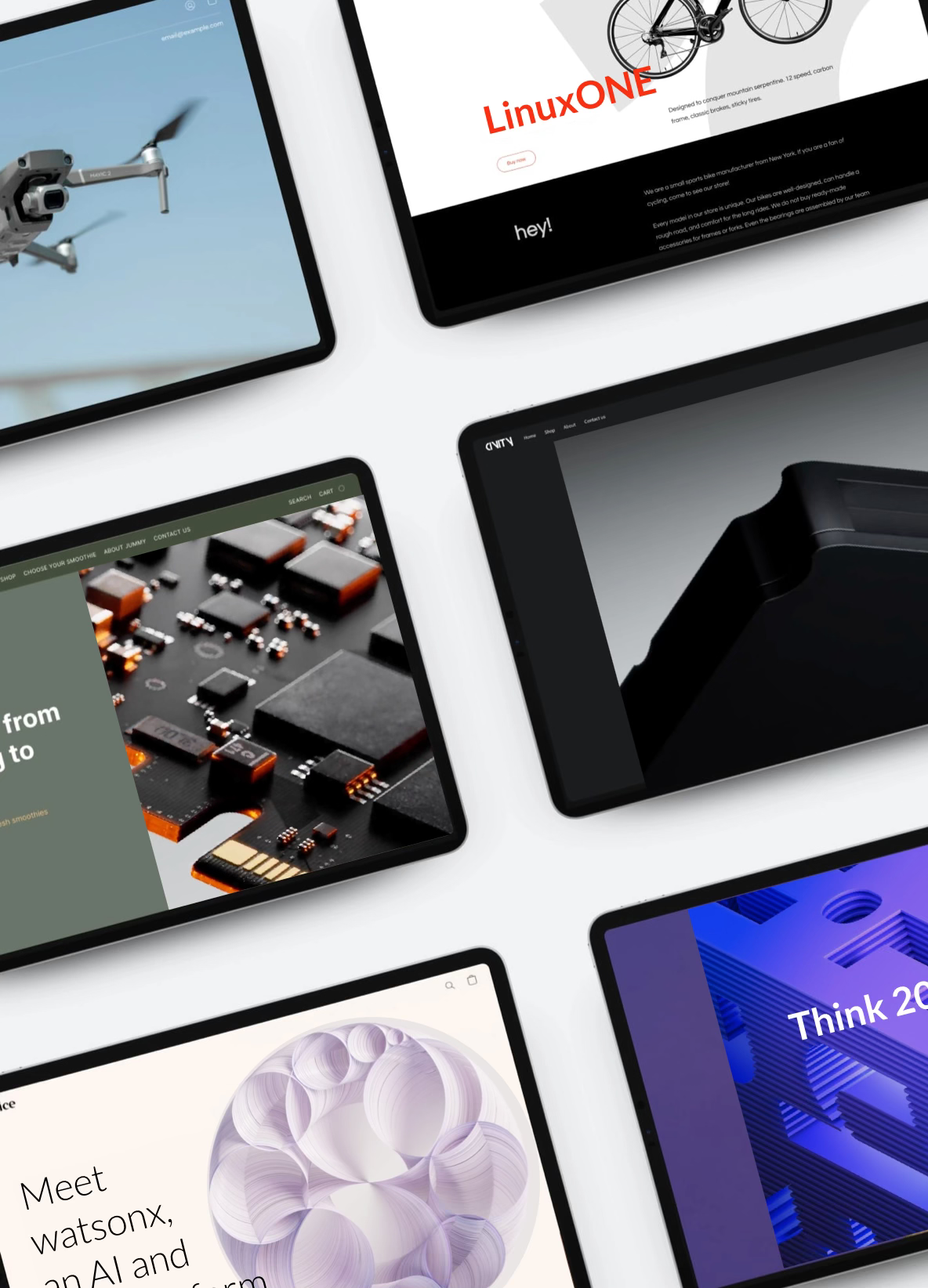
Ideation
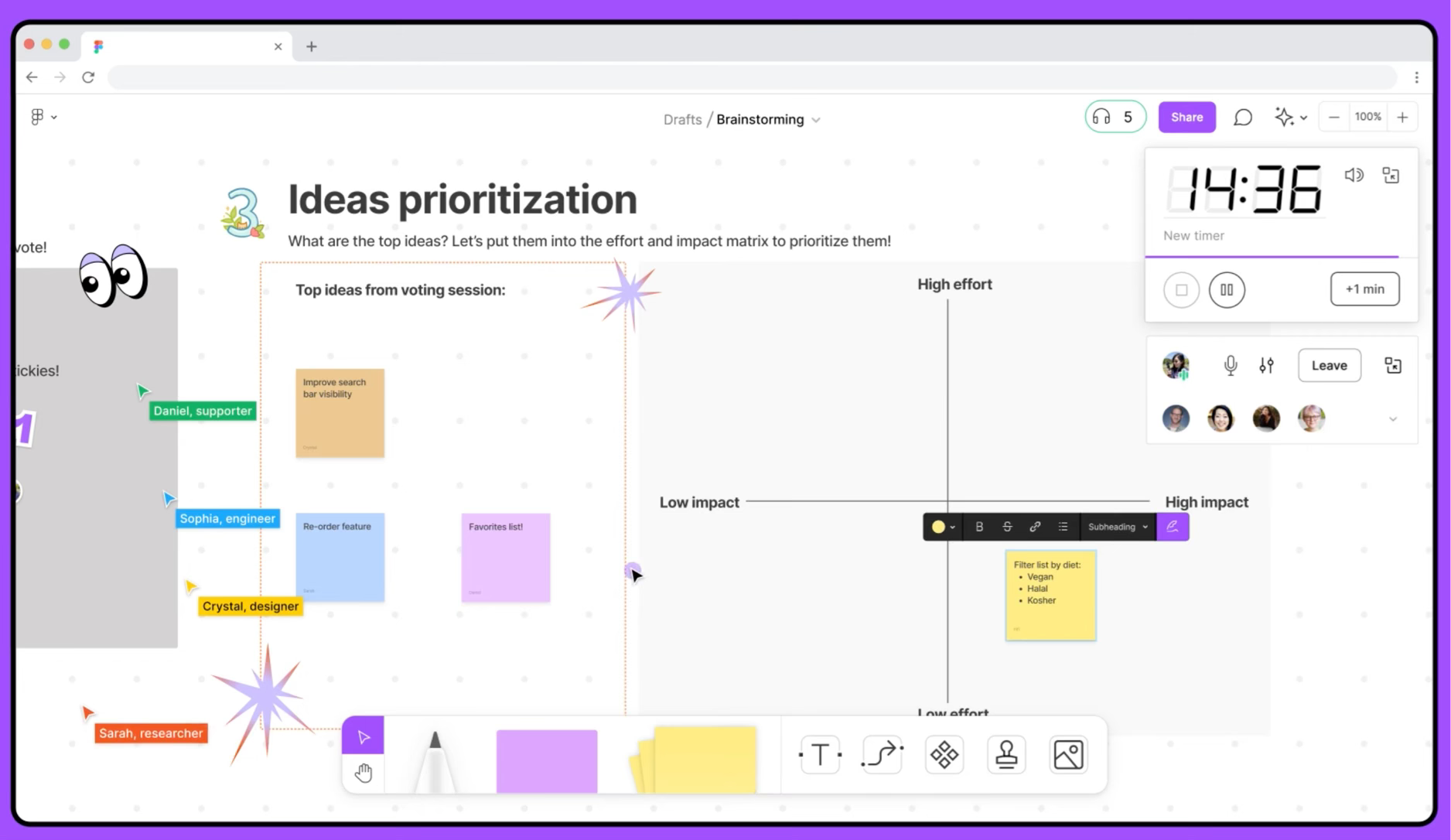
Figjam & Mural workshop
Gather team over Zoom to ideate
- Team forms and gathers feature ideas individually
- Add features to board on post-its
Impact vs. Effort matrix
Organized ideas by potential user impact and implementation effort
- Identified quick wins (high-impact, low-effort)
- Flagged longer-term bets for future planning
Vote on feature list
2 winners emerged through team votes & power-user UX Slack channel votes.
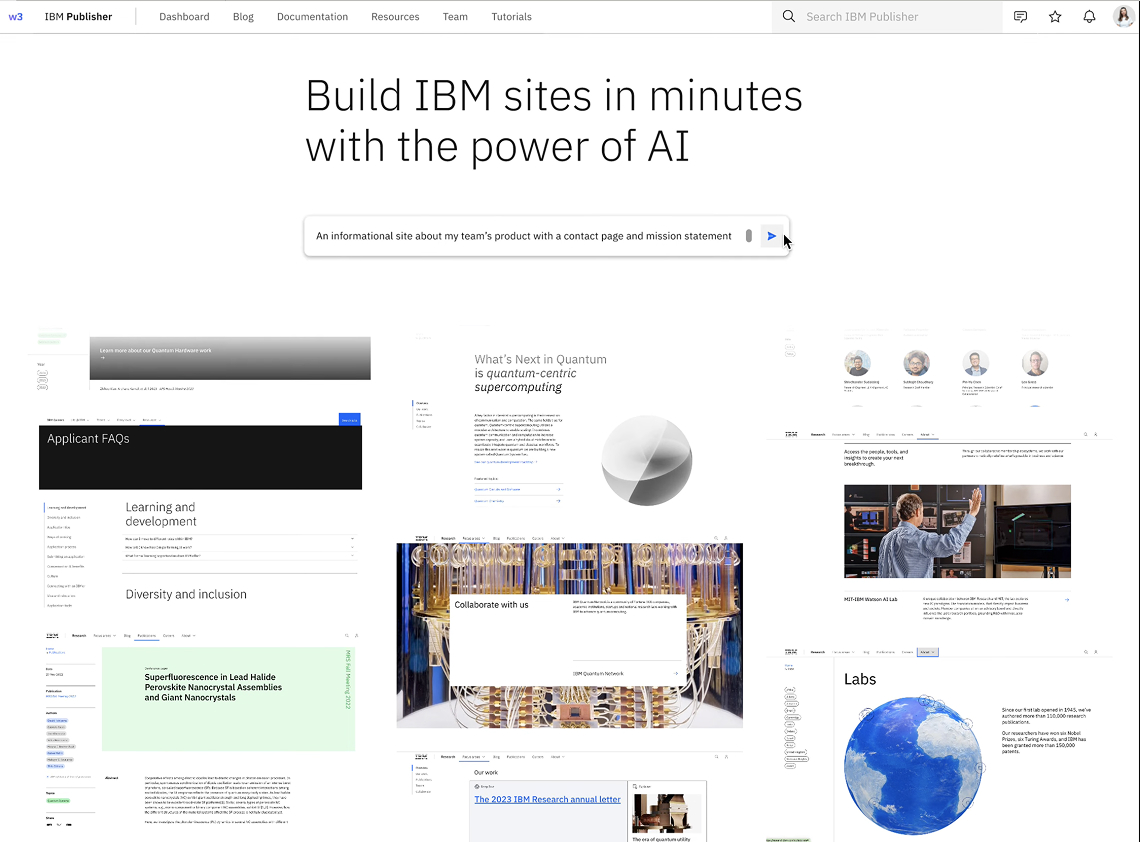
- AI-Powered prompt-based site-generator
- AI-Powered image and text solution tool
We wireframed & prototyped both options for consideration.
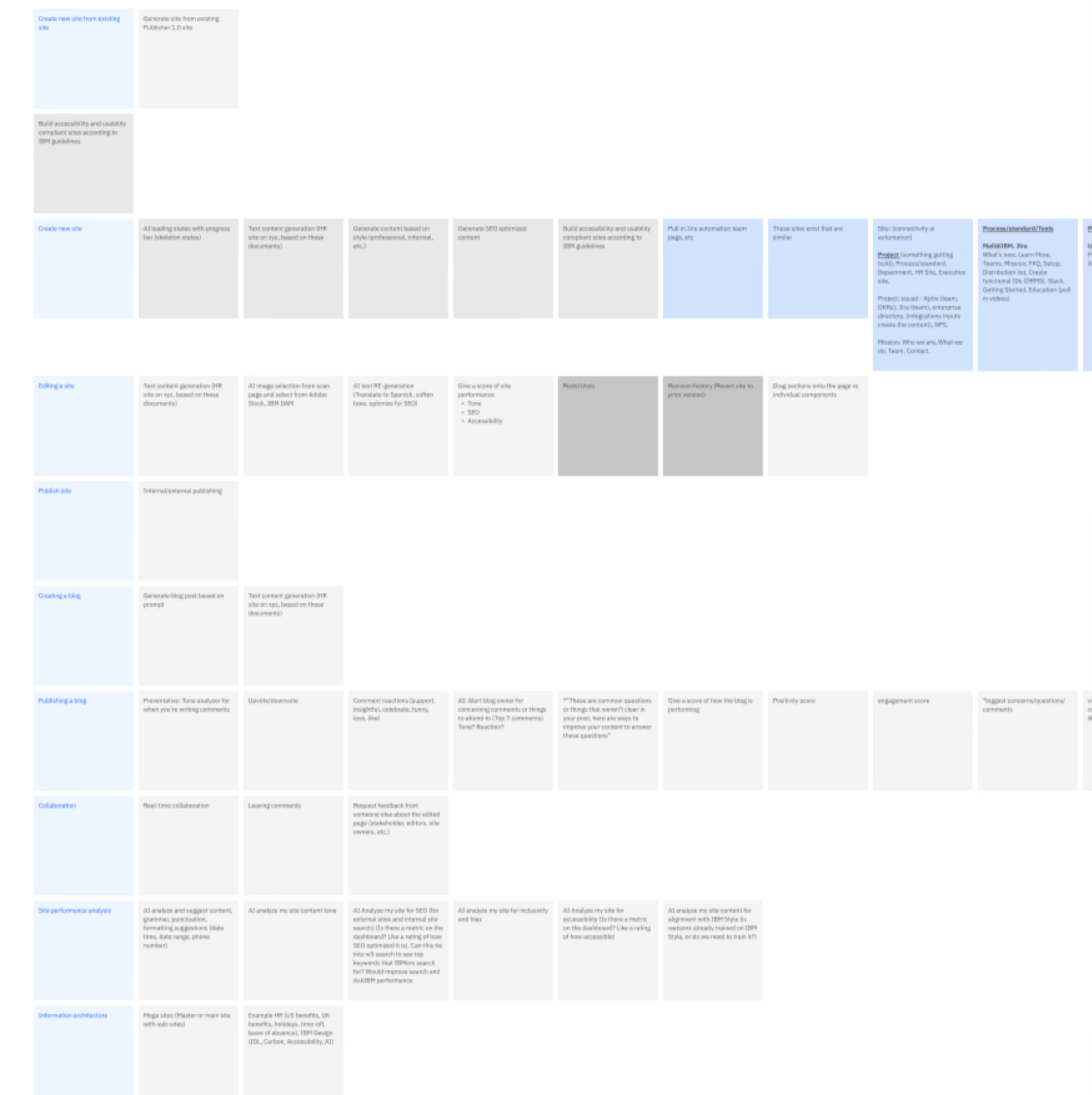
Wireframe UX work
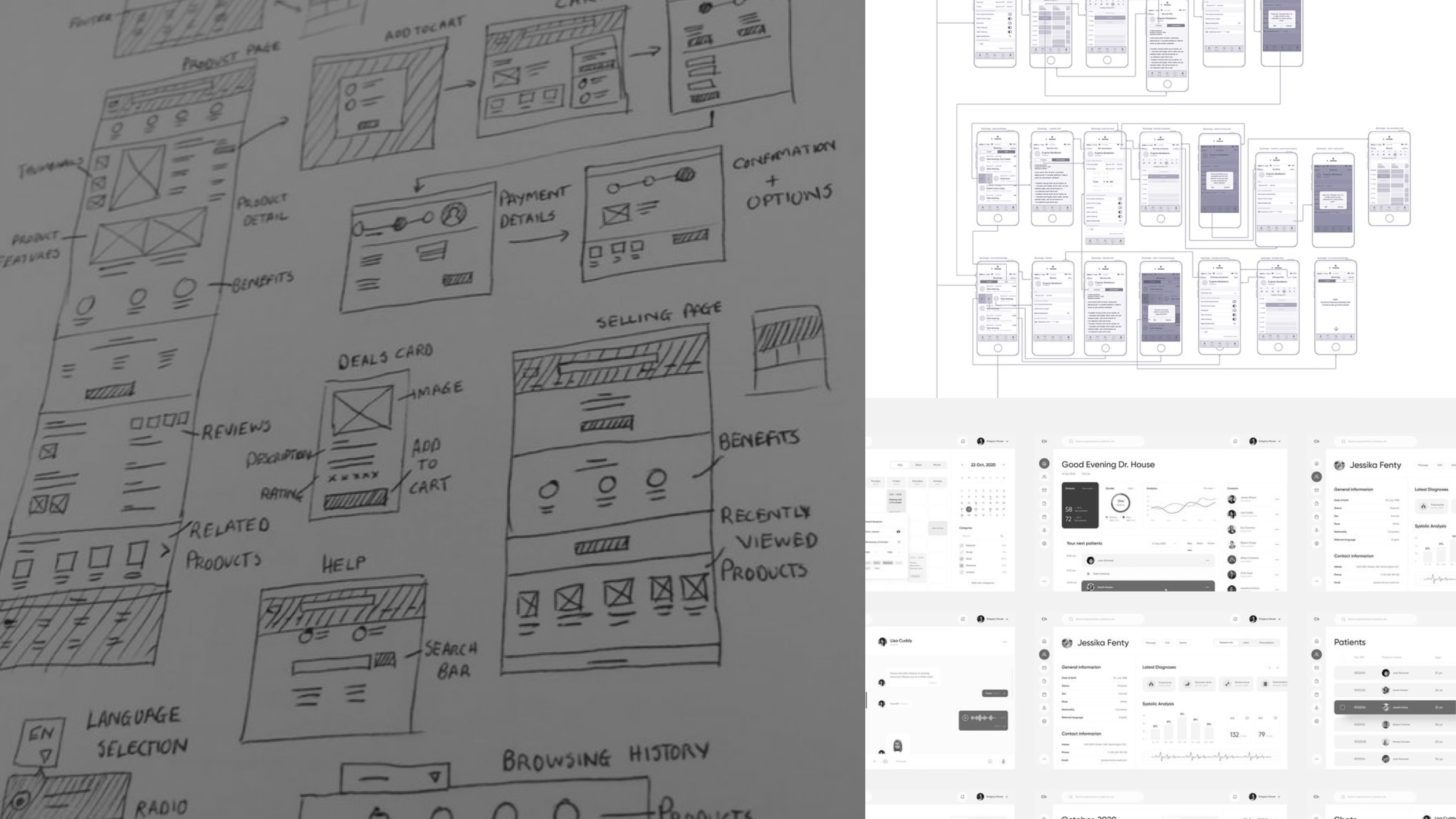
Prototypes of 2 Solutions
SOLUTION 1
AI-powered prompt-based site-generator
SOLUTION 2
AI-powered image and text generator
with built-in compliance
Solution 2 selected
Team presentation & discussion
Practical, Scalable, Aligned. Solution
1 is more transformative but harder to build and scale. Solution 2 is more practical and aligned with our current architecture and user habits making it the right choice for now, with room to grow.
Figma file
Team presentation & discussion
Redlining & accessibility specs to contribute back to the Carbon Design System
Outcome
70%
User Satisfaction
Less Friction, More Flow
- Users could build and publish without relying on developers, content makers or designers, giving them control and flexibility.
Time Saved
- By streamlining the publishing process, IBMers gained back hours to focus on higher-impact, higher-value work.
Immediate Results
- Seeing quick, tangible output (live pages in minutes) provided a sense of accomplishment and momentum.
Productivity Assisted
- When teams enjoy using a tool, they use it more efficiently—improving output without burning out resources.
Supports Retention & Culture
- Tools that respect people’s time and reduce frustration contribute to a more positive workplace experience.
20%
Reduction in time to Publish
Time-to-Market Accelerated
- When teams can share solutions faster, it shortens the gap between building and showcasing new AI capabilities—keeping IBM competitive and responsive.
Empowered Teams to Move Independently
- Designers, marketers, and SMEs can publish without waiting on developers or design reviews, which reduces bottlenecks and frees up specialized resources.
Iteration Enabled
- Faster publishing means teams can test, refine, and update content more frequently, improving quality and alignment over time.
Improved Internal Morale and Ownership
- Quick, successful outputs boost confidence. When users can see their work live in under 30 minutes, it reinforces autonomy and pride.
Scaling Supported
- As demand grows, scalable publishing is essential. Reducing time per site means more teams can adopt the tool without overwhelming support channels.
60%
Increase in compliance
Risk Reduced
- Ensures all content follows legal, regulatory, and corporate standards—minimizing the risk of violations, lawsuits, or penalties.
Brand Integrity Protected
- Inconsistent messaging or unapproved claims can damage credibility. Compliance ensures all public-facing materials reflect IBM’s values and accuracy.
Governance Streamlined
- A compliant system reduces the need for time-consuming manual reviews and approvals, allowing teams to publish with confidence and speed.
Trust Built
- Whether it’s with clients, stakeholders, or internal users, adherence to compliance standards signals professionalism and accountability.
- Bonus!: Created AI tool for sentiment analysis which can be used across IBM

Reflections
Internal Tools Deserve the Same Craft as External Products
→ Treating this internal tool with the same design rigor we’d apply to a customer-facing product resulted in higher adoption, better outcomes, and happier users.
Collaboration Was the Real MVP
→ Close partnership with stakeholders across product, engineering, and content ensured the tool solved real problems—not just theoretical ones.
Time Saved is Value Added
→ Sometimes success isn’t about big features—it’s about giving people time back. Seeing how even small efficiencies shifted team morale and momentum was a powerful lesson.
Thank you!
Next case study >
Get in touch
Connect with me to learn more.
Work
➔
About
➔
➔
@ Alicia Brooks
2025
All Rights Reserved
Work
About
IBM Automation + AI
Case Study
Introduction
IBM serves over 500,000 employees across dozens of global teams. Each group needed flexible, scalable websites for internal communication — from HR portals to executive blogs to product announcements.
But building each site required multiple teams (developers, designers, compliance reviewers), resulting in slow launches, inconsistent branding, and significant resource strain.
Our goal: design an enterprise-level site builder that empowers teams to launch compliant, on-brand websites quickly — with minimal design or development support.
Role
Lead designer, 4 person design team
Team
4 Designers, 7 Developers, 1 Product Owner, 1 Dev Lead
Timeline
2 months (4 sprints)
Tools
Figma, Mural, Jira, Storybook, IBM Carbon Design System
Skills used
Design Systems (Carbon Design System)
Digital Transformation & Scalable Systems
Agile Methodologies
UX & UI Design
Information Architecture, Visual Design, Typography
Inclusive & Accessible Design
Agile Workflows, QA
Context
As part of the design team for IBM’s AI & Automation and Data department, I explored how internal teams could more easily publish content using AI with decreased reliance on engineering. This project aimed to reduce friction, improve internal collaboration, and deliver high-quality sites that adhere to IBM’s design standards.
Scope
- Global Tool
- 70k sites created
- 14m sessions/mo
The workflow
User Story
As an internal IBM team member responsible for launching a website,
I want to quickly generate a compliant, well-structured site using AI-driven recommendations, So that I can focus on the content that matters without reinventing the wheel or risking non-compliance.
Research tools & key learnings
Personas
Users aren’t designers or devs — they need tools that “do the thinking” for them
Most users care more about speed and simplicity than customization
Many are unaware of compliance requirements or IBM’s design language
Metrics analysis
Low reuse of shared templates or components
Support tickets frequently mention confusion about structure
Time-to-publish is longer than acceptable for internal needs
Competitive research
Heuristic audits of existing tools Other enterprise tools (like Notion, Webflow, Wix AI) offer auto-generated structures and copy suggestions
Competitors use AI to guide layout, content, and compliance — reducing friction
Best-in-class tools emphasize reusable components and onboarding simplicity
Clear trend: shift toward intelligent defaults and smart suggestions
Polls & surveys
Majority of users want “pre-filled,” guided starting points (not blank slates)
Strong desire for auto-populated team lists, content & site maps
Users are open to AI help if it feels trustworthy and editable
Many didn’t know what “compliant” meant until shown examples
The problem
Business Problem
- Internal sites are built manually and inconsistently
- Brand, accessibility, and content compliance often missed
- Wasted time and duplicated effort across teams
- Lack of scalable, efficient internal infrastructure
User Problem
- Too much guesswork in building navigation and IA
- Manual, repetitive tasks (e.g., adding team members)
- Tools lack guidance on compliance and best practices
- Frustration and time lost on non-core tasks
Market Problem / Trend
- Leaner teams, but higher output expectations
- Market shift toward AI-assisted, self-serve tools
- Demand for faster, compliant, scalable solutions
- Competitors improving productivity with automation
Ideation
Figjam & Mural workshop
Gather team over Zoom to ideate
- Team forms and gathers feature ideas individually
- Add features to board on post-its
Impact vs. Effort matrix
Organized ideas by potential user impact and implementation effort
- Identified quick wins (high-impact, low-effort)
- Flagged longer-term bets for future planning
Vote on feature list
2 winners emerged through team votes & power-user UX Slack channel votes.
- AI-Powered prompt-based site-generator
- AI-Powered image and text solution tool
We wireframed & prototyped both options for consideration.
Wireframe UX work
Prototypes of 2 Solutions
SOLUTION 1
AI-powered prompt-based site-generator
Problem Type
Business
User
Market Trends
Pros
✅ Reduces redundant work
✅ Enforces compliance
✅ Guided flow removes guesswork
✅ Structured site from day one
✅ Competitive with modern AI site builders
Cons
❌ Higher implementation complexity
❌ May require platform overhaul
❌ Could feel rigid or prescriptive
❌ Learning curve if too “new”
❌ More complex to maintain and evolve
❌ Harder to modularize across markets
SOLUTION 2
AI-powered image and text generator
with built-in compliance
Problem Type
Business
User
Market Trends
Pros
✅ Easier to implement and scale
✅ Supports compliance retroactively
✅ Familiar builder flow preserved
✅ Helpful when users get stuck
✅ Aligns with current trend of embedded AI assistants
✅ More adaptable for lean teams
Cons
❌ Doesn’t reduce site setup time upfront
❌ Doesn’t help at the very start
❌ Relies on user knowing when to ask for help
❌ Less headline-grabbing innovation

Solution 2 selected
Team presentation & discussion
Practical, Scalable, Aligned. Solution
1 is more transformative but harder to build and scale. Solution 2 is more practical and aligned with our current architecture and user habits making it the right choice for now, with room to grow.
Figma file
Team presentation & discussion
Redlining & accessibility specs to contribute back to the Carbon Design System
Outcome
70%
User Satisfaction
Less Friction, More Flow
- Users could build and publish without relying on developers, content makers or designers, giving them control and flexibility.
Time Saved
- By streamlining the publishing process, IBMers gained back hours to focus on higher-impact, higher-value work.
Immediate Results
- Seeing quick, tangible output (live pages in minutes) provided a sense of accomplishment and momentum.
Productivity Assisted
- When teams enjoy using a tool, they use it more efficiently—improving output without burning out resources.
Supports Retention & Culture
- Tools that respect people’s time and reduce frustration contribute to a more positive workplace experience.
20%
Reduction in time to Publish
Time-to-Market Accelerated
- When teams can share solutions faster, it shortens the gap between building and showcasing new AI capabilities—keeping IBM competitive and responsive.
Empowered Teams to Move Independently
- Designers, marketers, and SMEs can publish without waiting on developers or design reviews, which reduces bottlenecks and frees up specialized resources.
Iteration Enabled
- Faster publishing means teams can test, refine, and update content more frequently, improving quality and alignment over time.
Improved Internal Morale and Ownership
- Quick, successful outputs boost confidence. When users can see their work live in under 30 minutes, it reinforces autonomy and pride.
Scaling Supported
- As demand grows, scalable publishing is essential. Reducing time per site means more teams can adopt the tool without overwhelming support channels.
60%
Increase in compliance
Risk Reduced
- Ensures all content follows legal, regulatory, and corporate standards—minimizing the risk of violations, lawsuits, or penalties.
Brand Integrity Protected
- Inconsistent messaging or unapproved claims can damage credibility. Compliance ensures all public-facing materials reflect IBM’s values and accuracy.
Governance Streamlined
- A compliant system reduces the need for time-consuming manual reviews and approvals, allowing teams to publish with confidence and speed.
Trust Built
- Whether it’s with clients, stakeholders, or internal users, adherence to compliance standards signals professionalism and accountability.
- Bonus!: Created AI tool for sentiment analysis which can be used across IBM
Reflections
Internal Tools Deserve the Same Craft as External Products
→ Treating this internal tool with the same design rigor we’d apply to a customer-facing product resulted in higher adoption, better outcomes, and happier users.
Collaboration Was the Real MVP
→ Close partnership with stakeholders across product, engineering, and content ensured the tool solved real problems—not just theoretical ones.
Time Saved is Value Added
→ Sometimes success isn’t about big features—it’s about giving people time back. Seeing how even small efficiencies shifted team morale and momentum was a powerful lesson.
Thank you!
Next case study
Get in touch
Connect with me to learn more.
Work
➔
About
➔
➔
@ Alicia Brooks
2025
All Rights Reserved
Work
About
IBM Automation + AI
Case Study
Introduction
IBM serves over 500,000 employees across dozens of global teams. Each group needed flexible, scalable websites for internal communication — from HR portals to executive blogs to product announcements.
But building each site required multiple teams (developers, designers, compliance reviewers), resulting in slow launches, inconsistent branding, and significant resource strain.
Our goal: design an enterprise-level site builder that empowers teams to launch compliant, on-brand websites quickly — with minimal design or development support.
Role
Lead designer, 4 person design team
Team
4 Designers, 7 Developers, 1 Product Owner, 1 Dev Lead
Timeline
2 months (4 sprints)
Tools
Figma, Mural, Jira, Storybook, IBM Carbon Design System
Skills used
Design Systems (Carbon Design System)
Digital Transformation & Scalable Systems
Agile Methodologies
UX & UI Design
Information Architecture, Visual Design, Typography
Inclusive & Accessible Design
Agile Workflows, QA
Context
As part of the design team for IBM’s AI & Automation and Data department, I explored how internal teams could more easily publish content using AI with decreased reliance on engineering. This project aimed to reduce friction, improve internal collaboration, and deliver high-quality sites that adhere to IBM’s design standards.
Scope
- Global Tool
- 70k sites created
- 14m sessions/mo
The workflow
User Story
As an internal IBM team member responsible for launching a website,
I want to quickly generate a compliant, well-structured site using AI-driven recommendations, So that I can focus on the content that matters without reinventing the wheel or risking non-compliance.
Research tools & key learnings
Personas
Users aren’t designers or devs — they need tools that “do the thinking” for them
Most users care more about speed and simplicity than customization
Many are unaware of compliance requirements or IBM’s design language
Metrics analysis
Low reuse of shared templates or components
Support tickets frequently mention confusion about structure
Time-to-publish is longer than acceptable for internal needs
Competitive research
Heuristic audits of existing tools Other enterprise tools (like Notion, Webflow, Wix AI) offer auto-generated structures and copy suggestions
Competitors use AI to guide layout, content, and compliance — reducing friction
Best-in-class tools emphasize reusable components and onboarding simplicity
Clear trend: shift toward intelligent defaults and smart suggestions
Polls & surveys
Majority of users want “pre-filled,” guided starting points (not blank slates)
Strong desire for auto-populated team lists, content & site maps
Users are open to AI help if it feels trustworthy and editable
Many didn’t know what “compliant” meant until shown examples
The problem
Business Problem
- Internal sites are built manually and inconsistently
- Brand, accessibility, and content compliance often missed
- Wasted time and duplicated effort across teams
- Lack of scalable, efficient internal infrastructure
User Problem
- Too much guesswork in building navigation and IA
- Manual, repetitive tasks (e.g., adding team members)
- Tools lack guidance on compliance and best practices
- Frustration and time lost on non-core tasks
Market Problem / Trend
- Leaner teams, but higher output expectations
- Market shift toward AI-assisted, self-serve tools
- Demand for faster, compliant, scalable solutions
- Competitors improving productivity with automation
Ideation
Figjam & Mural workshop
Gather team over Zoom to ideate
- Team forms and gathers feature ideas individually
- Add features to board on post-its
Impact vs. Effort matrix
Organized ideas by potential user impact and implementation effort
- Identified quick wins (high-impact, low-effort)
- Flagged longer-term bets for future planning
Vote on feature list
2 winners emerged through team votes & power-user UX Slack channel votes.
- AI-Powered prompt-based site-generator
- AI-Powered image and text solution tool
We wireframed & prototyped both options for consideration.
Wireframe UX work
Prototypes of 2 Solutions
SOLUTION 1
AI-powered prompt-based site-generator
Problem Type
Business
User
Market Trends
Pros
✅ Reduces redundant work
✅ Enforces compliance
✅ Guided flow removes guesswork
✅ Structured site from day one
✅ Competitive with modern AI site builders
Cons
❌ Higher implementation complexity
❌ May require platform overhaul
❌ Could feel rigid or prescriptive
❌ Learning curve if too “new”
❌ More complex to maintain and evolve
❌ Harder to modularize across markets
SOLUTION 2
AI-powered image and text generator
with built-in compliance
Problem Type
Business
User
Market Trends
Pros
✅ Easier to implement and scale
✅ Supports compliance retroactively
✅ Familiar builder flow preserved
✅ Helpful when users get stuck
✅ Aligns with current trend of embedded AI assistants
✅ More adaptable for lean teams
Cons
❌ Doesn’t reduce site setup time upfront
❌ Doesn’t help at the very start
❌ Relies on user knowing when to ask for help
❌ Less headline-grabbing innovation
Solution 2 selected
Team presentation & discussion
Practical, Scalable, Aligned. Solution
1 is more transformative but harder to build and scale. Solution 2 is more practical and aligned with our current architecture and user habits making it the right choice for now, with room to grow.
Figma file
Team presentation & discussion
Redlining & accessibility specs to contribute back to the Carbon Design System
Outcome
70%
User Satisfaction
Less Friction, More Flow
- Users could build and publish without relying on developers, content makers or designers, giving them control and flexibility.
Time Saved
- By streamlining the publishing process, IBMers gained back hours to focus on higher-impact, higher-value work.
Immediate Results
- Seeing quick, tangible output (live pages in minutes) provided a sense of accomplishment and momentum.
Productivity Assisted
- When teams enjoy using a tool, they use it more efficiently—improving output without burning out resources.
Supports Retention & Culture
- Tools that respect people’s time and reduce frustration contribute to a more positive workplace experience.
20%
Reduction in Time to Publish
Time-to-Market Accelerated
- When teams can share solutions faster, it shortens the gap between building and showcasing new AI capabilities—keeping IBM competitive and responsive.
Empowered Teams to Move Independently
- Designers, marketers, and SMEs can publish without waiting on developers or design reviews, which reduces bottlenecks and frees up specialized resources.
Iteration Enabled
- Faster publishing means teams can test, refine, and update content more frequently, improving quality and alignment over time.
Improved Internal Morale and Ownership
- Quick, successful outputs boost confidence. When users can see their work live in under 30 minutes, it reinforces autonomy and pride.
Scaling Supported
- As demand grows, scalable publishing is essential. Reducing time per site means more teams can adopt the tool without overwhelming support channels.
60%
Increase in Compliance
Risk Reduced
- Ensures all content follows legal, regulatory, and corporate standards—minimizing the risk of violations, lawsuits, or penalties.
Brand Integrity Protected
- Inconsistent messaging or unapproved claims can damage credibility. Compliance ensures all public-facing materials reflect IBM’s values and accuracy.
Governance Streamlined
- A compliant system reduces the need for time-consuming manual reviews and approvals, allowing teams to publish with confidence and speed.
Trust Built
- Whether it’s with clients, stakeholders, or internal users, adherence to compliance standards signals professionalism and accountability.
- Bonus!: Created AI tool for sentiment analysis which can be used across IBM
Reflections
Internal Tools Deserve the Same Craft as External Products
→ Treating this internal tool with the same design rigor we’d apply to a customer-facing product resulted in higher adoption, better outcomes, and happier users.
Collaboration Was the Real MVP
→ Close partnership with stakeholders across product, engineering, and content ensured the tool solved real problems—not just theoretical ones.
Time Saved is Value Added
→ Sometimes success isn’t about big features—it’s about giving people time back. Seeing how even small efficiencies shifted team morale and momentum was a powerful lesson.
Thank you!
Next case study >
Get in touch
Connect with me to learn more.
Work
➔
About
➔
➔
@ Alicia Brooks
2025
All Rights Reserved