Work
About
AI consulting
The workflow
User Story
As an internal IBM team member responsible for launching a website,
I want to quickly generate a compliant, well-structured site using AI-driven recommendations, So that I can focus on the content that matters without reinventing the wheel or risking non-compliance.
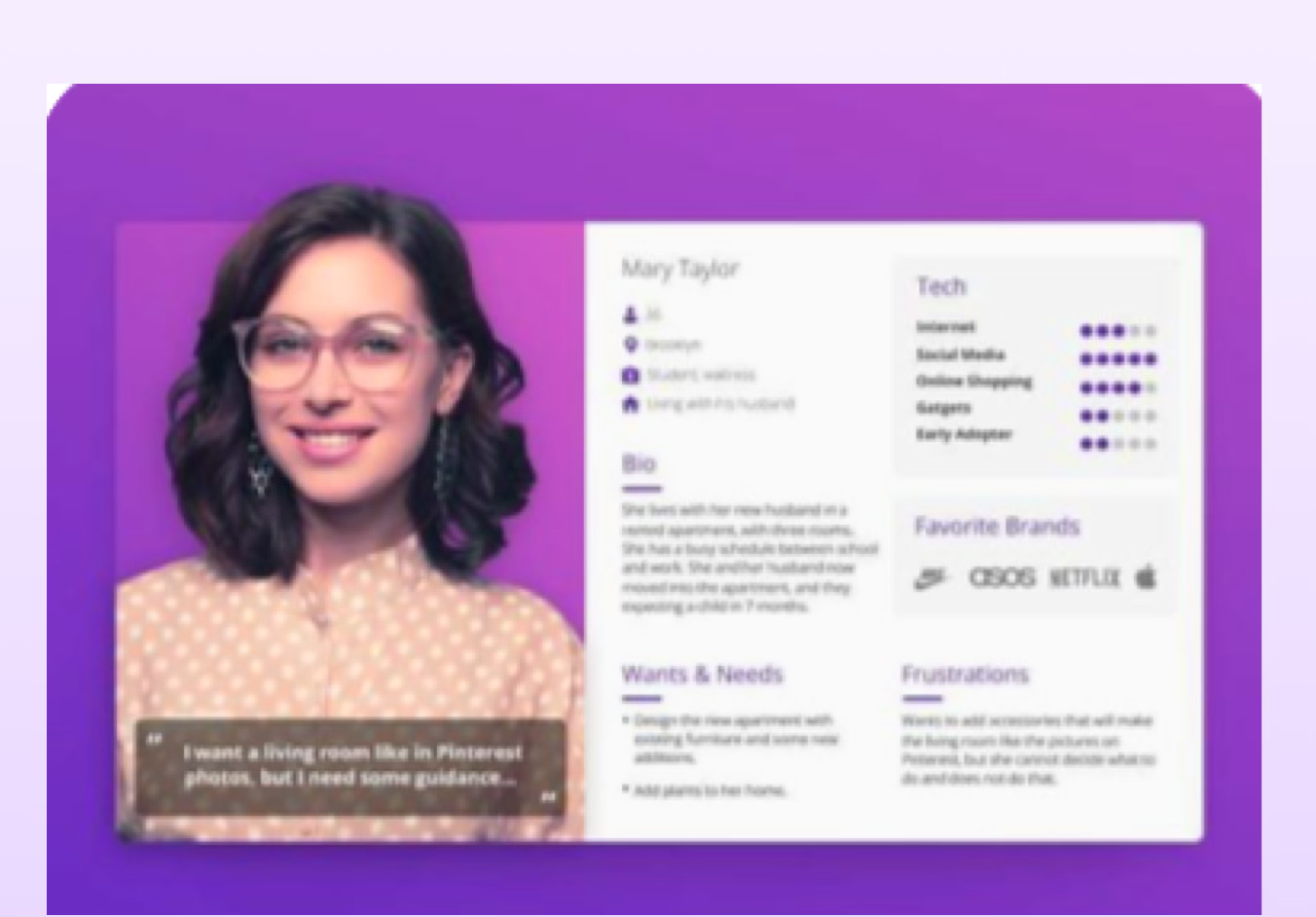
Personas
Users aren’t designers or devs — they need tools that “do the thinking” for them
Most users care more about speed and simplicity than customization
Many are unaware of compliance requirements or IBM’s design language
Metrics analysis
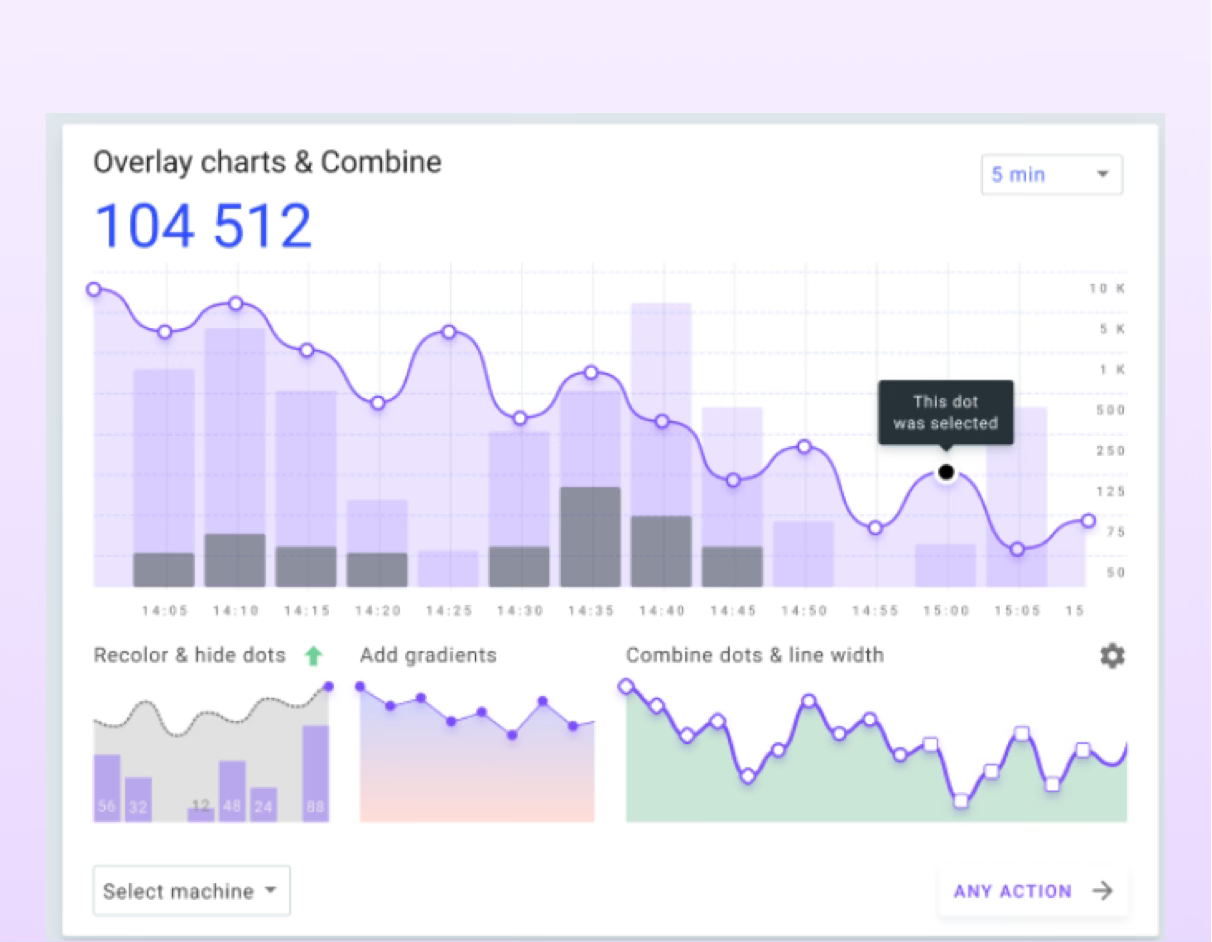
Low reuse of shared templates or components
Support tickets frequently mention confusion about structure
Time-to-publish is longer than acceptable for internal needs
Competitive research
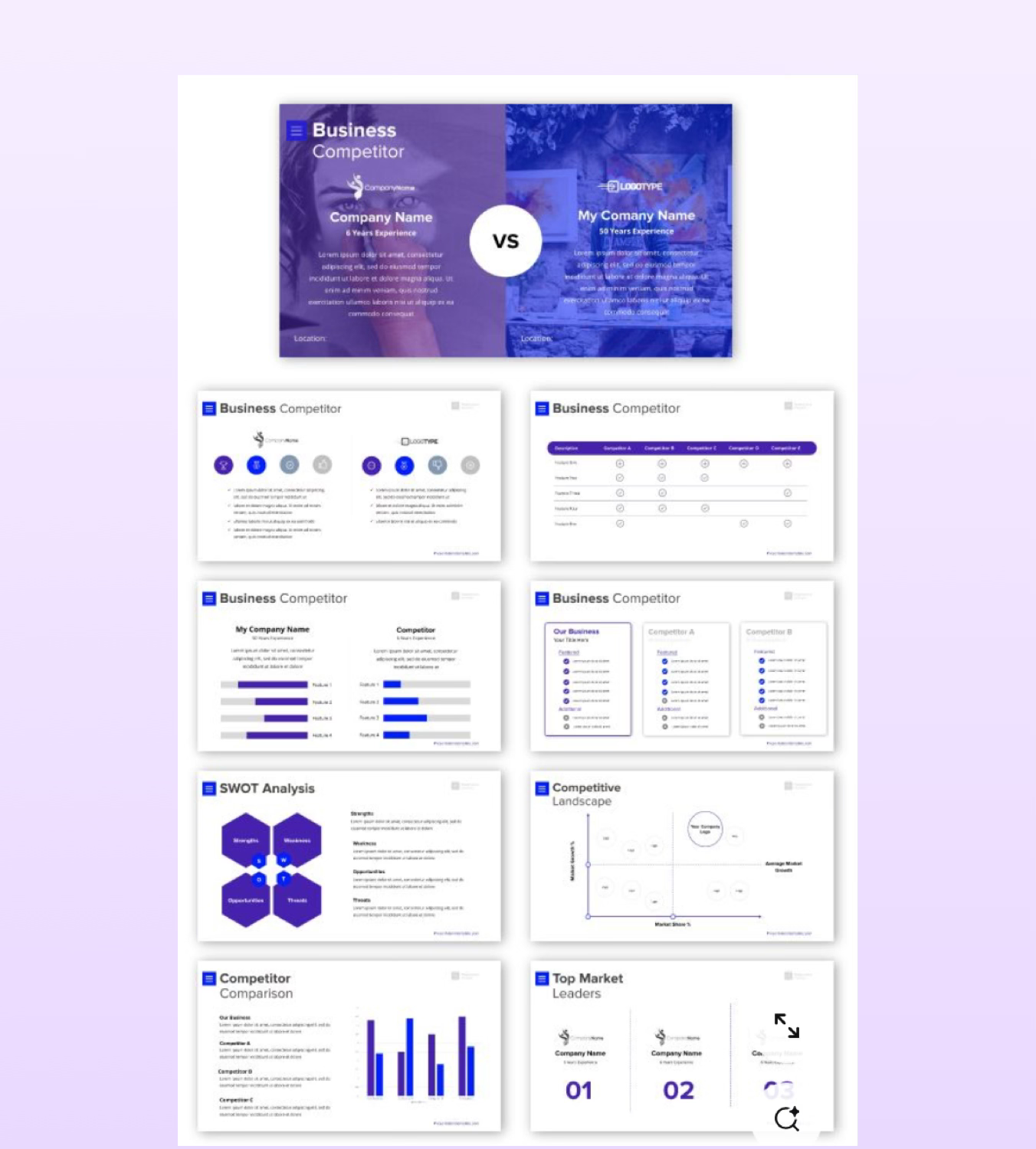
Other enterprise (like Notion, Webflow, Wix AI) offer auto-generated structures and copy suggestions
Competitors use AI to guide layout, content, and compliance — reducing friction
Best-in-class tools emphasize reusable components and onboarding simplicity
Clear trend: shift toward intelligent defaults and smart suggestions
Polls & surveys
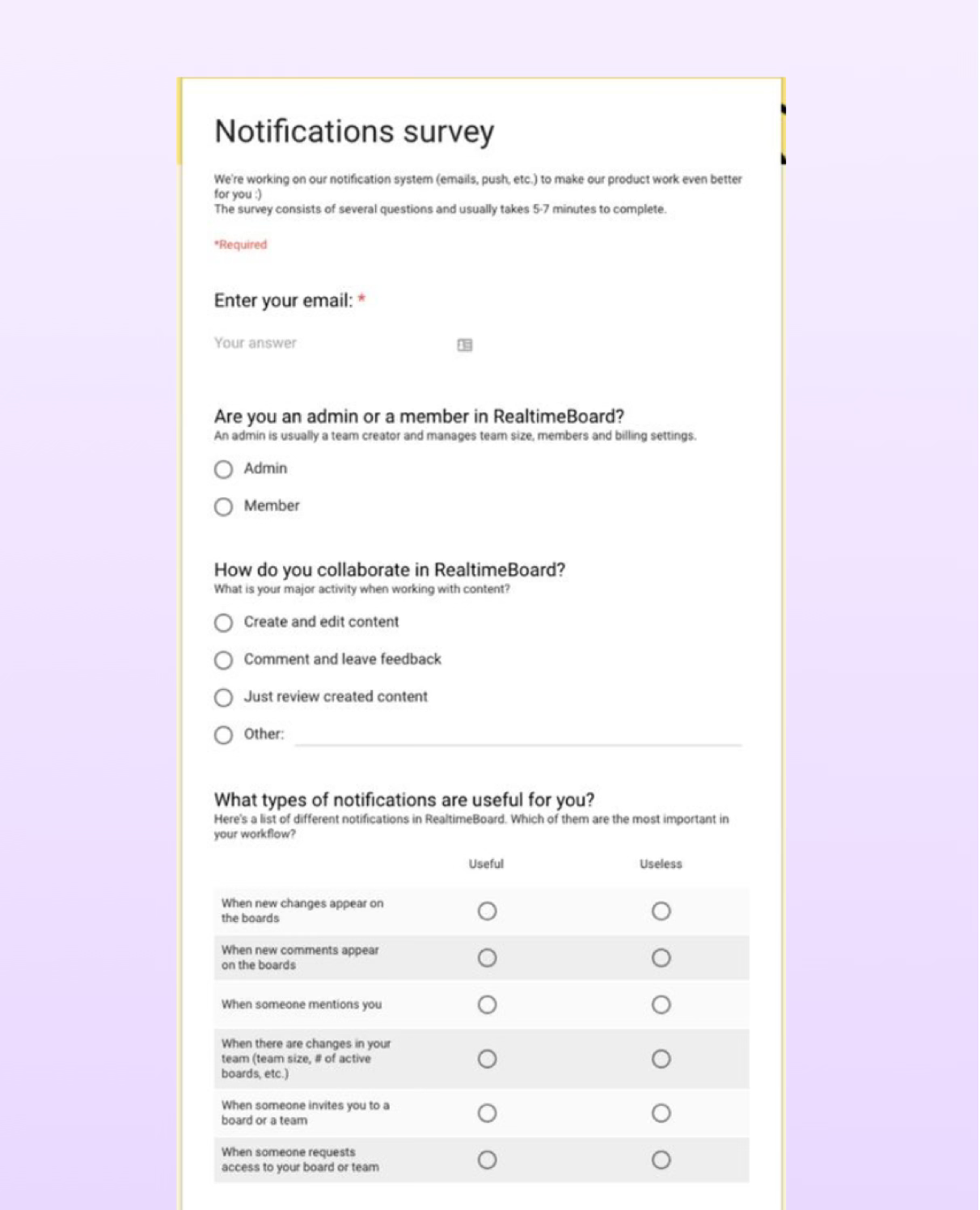
Majority of users want “pre-filled,” guided starting points (not blank slates)
Strong desire for auto-populated team lists, content & site maps
Users are open to AI help if it feels trustworthy and editable
Many didn’t know what “compliant” meant until shown examples
Solution 2 selected
Practical, Scalable, Aligned
1 is more transformative but harder to build and scale. 2 is more practical and aligned with our current architecture and user habits — making it the right choice for now, with room to grow.
John Smith
Head of Data


See the Big Picture
Area turns your data into clear, vibrant visuals that show you exactly what's happening in each region.
Research tools & key learnings

Work
About
AI consulting
IBM Ai Solutions

Case Study
Introduction
IBM is a global company with over 500,000 employees, all needing websites for:
HR resources, executive announcements, product launches, workflows & internal communications.
But every site typically requires designers, developers, product managers, and brand compliance reviews — a heavy lift at scale. To solve this, we created an internal enterprise SaaS website builder that empowers teams to build compliant, consistent sites without needing full design or development resources for every project.
Context
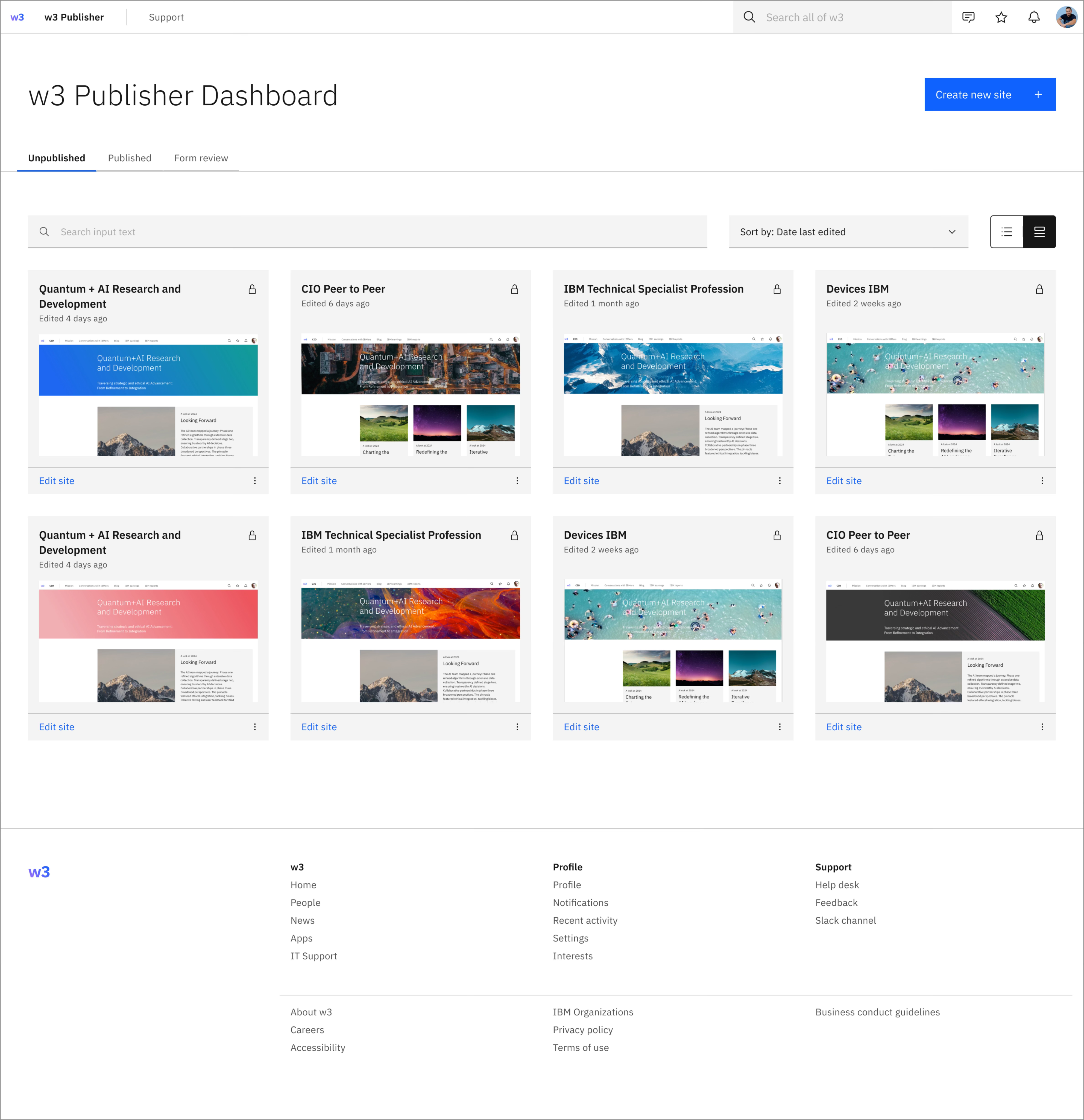
Publisher is a global enterprise tool
Scope
- Global Tool
- 70k sites created
- 14m sessions/mo
Features
- Blogs
- Comments
- @mentions
- Tables
- Forms
- Panels
- Stock photo library
- Metrics
- ect.
Support
- Office hours
- Slack support channel
- Support site
The problem
Business Problem
- Internal sites are built manually and inconsistently
- Brand, accessibility, and content compliance often missed
- Wasted time and duplicated effort across teams
- Lack of scalable, efficient internal infrastructure
User Problem
- Too much guesswork in building navigation and IA
- Manual, repetitive tasks (e.g., adding team members)
- Tools lack guidance on compliance and best practices
- Frustration and time lost on non-core tasks
Market Problem / Trend
- Leaner teams, but higher output expectations
- Market shift toward AI-assisted, self-serve tools
- Demand for faster, compliant, scalable solutions
- Competitors improving productivity with automation
The workflow
User Story
As an internal IBM team member responsible for launching a website,
I want to quickly generate a compliant, well-structured site using AI-driven recommendations, So that I can focus on the content that matters without reinventing the wheel or risking non-compliance.
Research tools & key learnings
Personas
Users aren’t designers or devs — they need tools that “do the thinking” for them
Most users care more about speed and simplicity than customization
Many are unaware of compliance requirements or IBM’s design language
Metrics analysis
Low reuse of shared templates or components
Support tickets frequently mention confusion about structure
Time-to-publish is longer than acceptable for internal needs
Competitive research
Other enterprise (like Notion, Webflow, Wix AI) offer auto-generated structures and copy suggestions
Competitors use AI to guide layout, content, and compliance — reducing friction
Best-in-class tools emphasize reusable components and onboarding simplicity
Clear trend: shift toward intelligent defaults and smart suggestions
Polls & surveys
Majority of users want “pre-filled,” guided starting points (not blank slates)
Strong desire for auto-populated team lists, content & site maps
Users are open to AI help if it feels trustworthy and editable
Many didn’t know what “compliant” meant until shown examples
Ideation
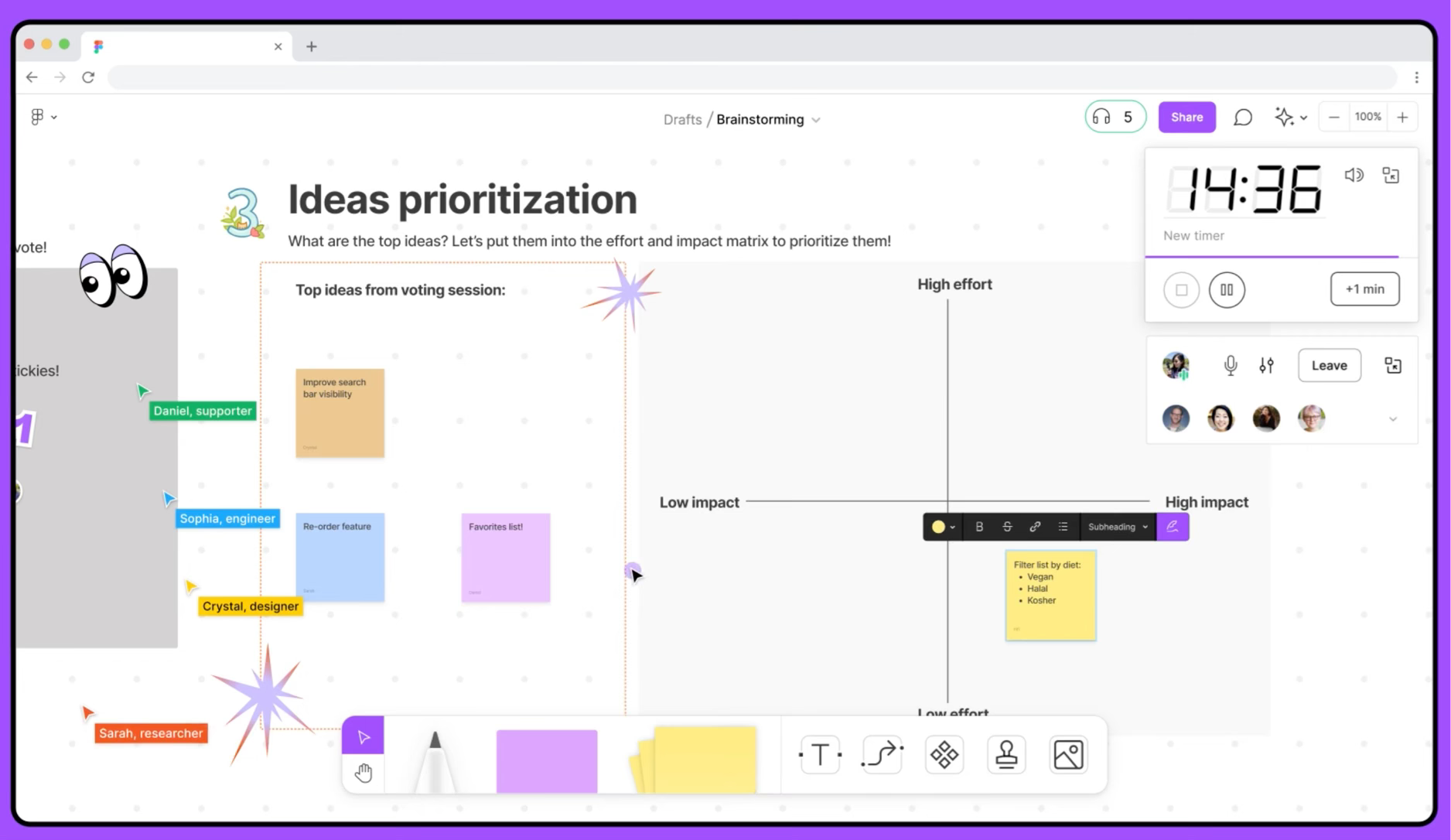
Figjam (Mural) workshop
Bring ideas
- Add features to board
- Impact vs. Effort Matrix

Impact vs. Effort matrix
Organized ideas by potential user impact and implementation effort
- Identified quick wins (high-impact, low-effort)
- Flagged longer-term bets for future planning
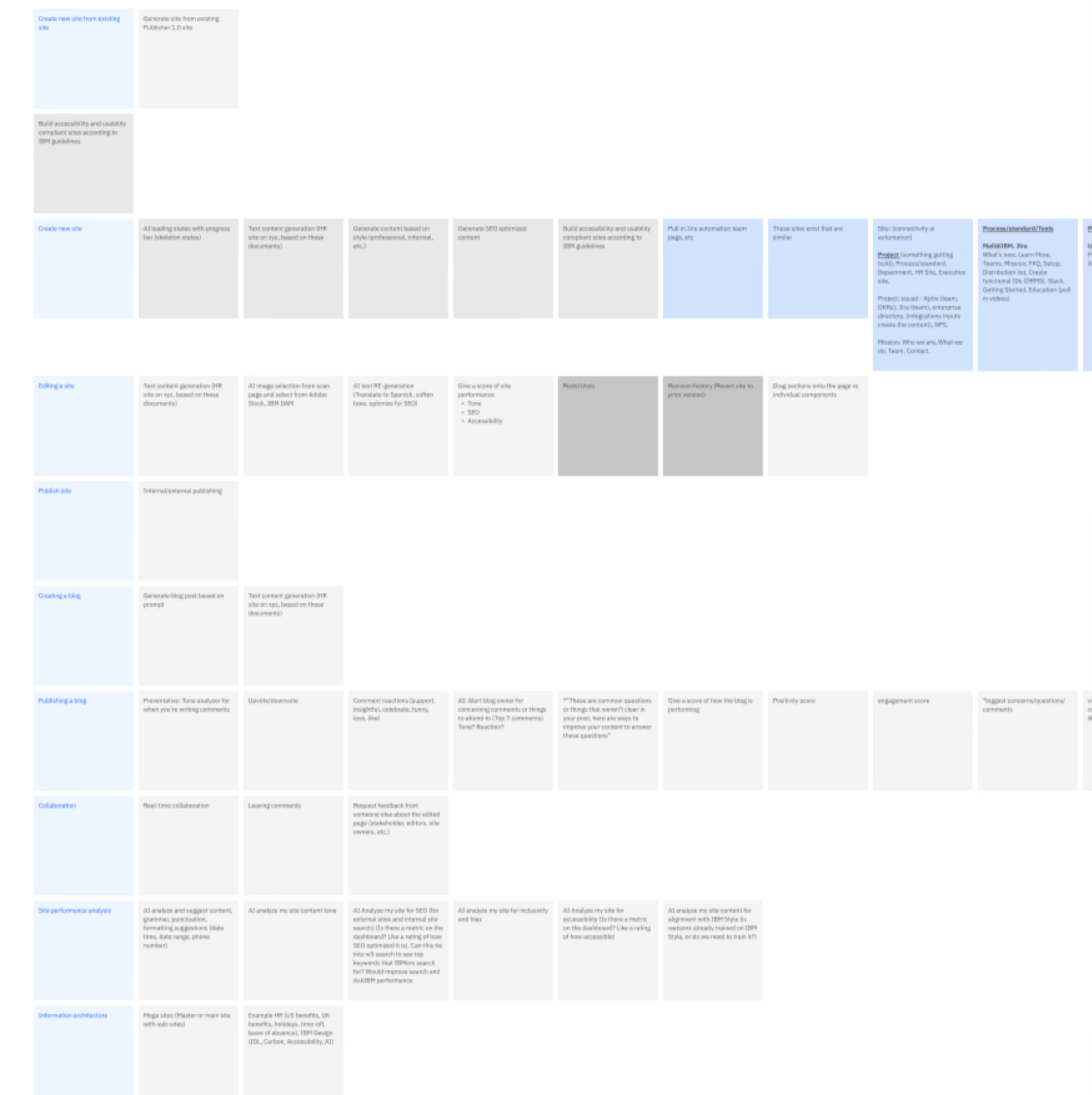
Vote on feature list
Organized ideas by potential user impact and implementation effort
- Identified quick wins (high-impact, low-effort)
- Flagged longer-term bets for future planning
- 2 winners emerged


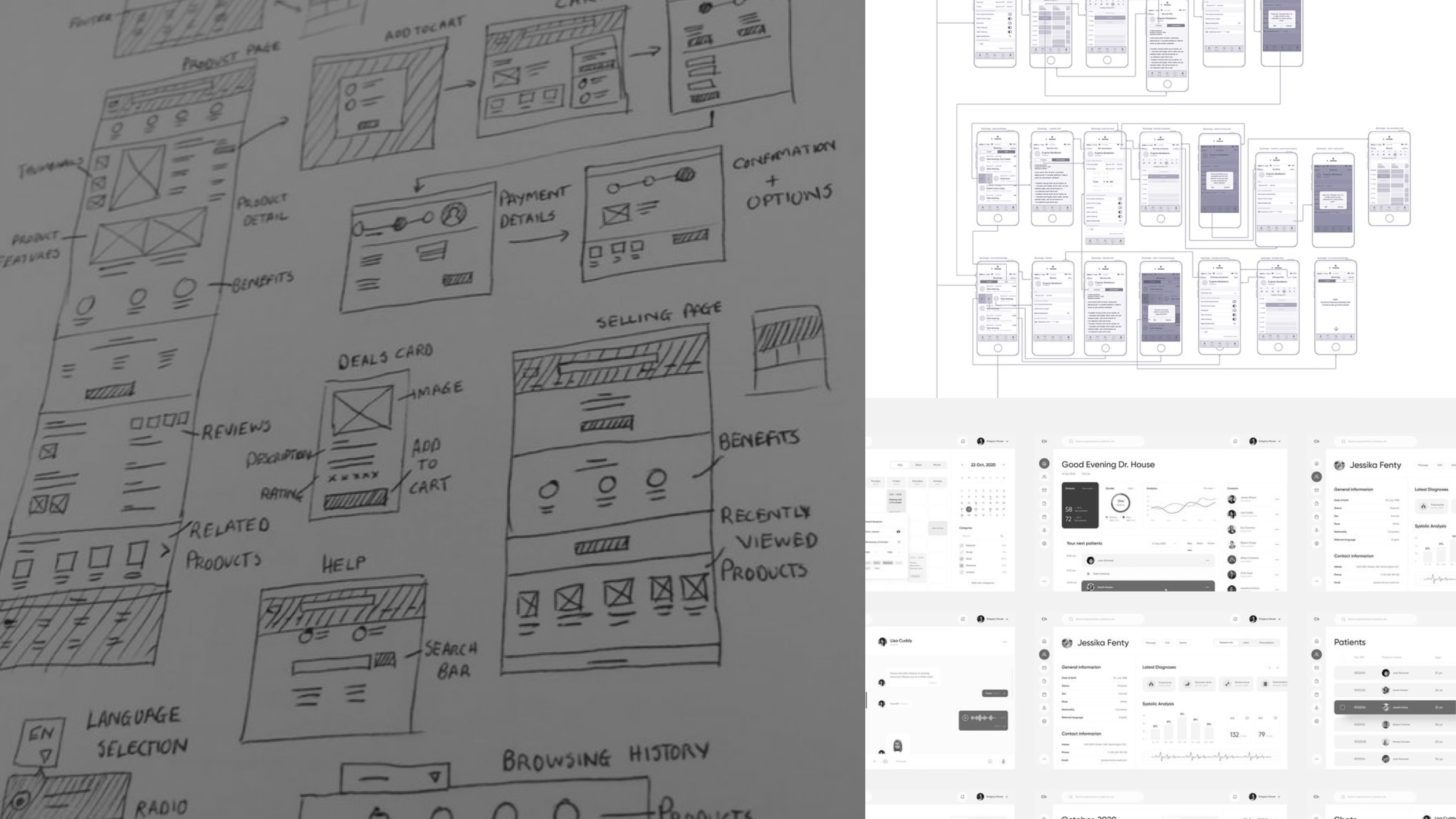
Wireframe 2 winners
Proposed Solutions
SOLUTION 1
AI-Powered Prompt-Based Site-Generator
Problem Type
Business
User
Market Trends
Pros
✅ Reduces redundant work
✅ Enforces compliance
✅ Guided flow removes guesswork
✅ Structured site from day one
✅ Competitive with modern AI site builders
Cons
❌ Higher implementation complexity
❌ May require platform overhaul
❌ Could feel rigid or prescriptive
❌ Learning curve if too “new”
❌ More complex to maintain and evolve
❌ Harder to modularize across markets
SOLUTION 2
AI Helping in Existing Builder
Problem Type
Business
User
Market Trends
Pros
✅ Easier to implement and scale
✅ Supports compliance retroactively
✅ Familiar builder flow preserved
✅ Helpful when users get stuck
✅ Aligns with current trend of embedded AI assistants
✅ More adaptable for lean teams
Cons
❌ Doesn’t reduce site setup time upfront
❌ Doesn’t help at the very start
❌ Relies on user knowing when to ask for help
❌ Less headline-grabbing innovation

Solution 2 selected
Practical, Scalable, Aligned
1 is more transformative but harder to build and scale. 2 is more practical and aligned with our current architecture and user habits — making it the right choice for now, with room to grow.
John Smith
Head of Data
Figma file - redline & accessibility specs
Outcome
70%
User Satisfaction
With our intuitive setup, you’re up and running in minutes.
50%
Reduction in time to Publish
Adapt Area to your specific requirements and preferences.
70%
Increase in compliance
Make informed decisions to exceed your goals.
70%
Increase in compliance
Make informed decisions to exceed your goals.

Reflections
Define success early
→ Lack of clear success metrics made tradeoffs harder to evaluate.
User problem
- Too much guesswork in building navigation and IA
- Manual, repetitive tasks (e.g., adding team members)
- Tools lack guidance on compliance and best practices
- Frustration and time lost on non-core tasks
Market problem / Trend
- Leaner teams, but higher output expectations
- Market shift toward AI-assisted, self-serve tools
- Demand for faster, compliant, scalable solutions
- Competitors improving productivity with automation.
Thank you!
Schedule a quick call to learn how Area can turn your regional data into a powerful advantage.
Learn More

Benefits

© Area.
2025
All Rights Reserved